
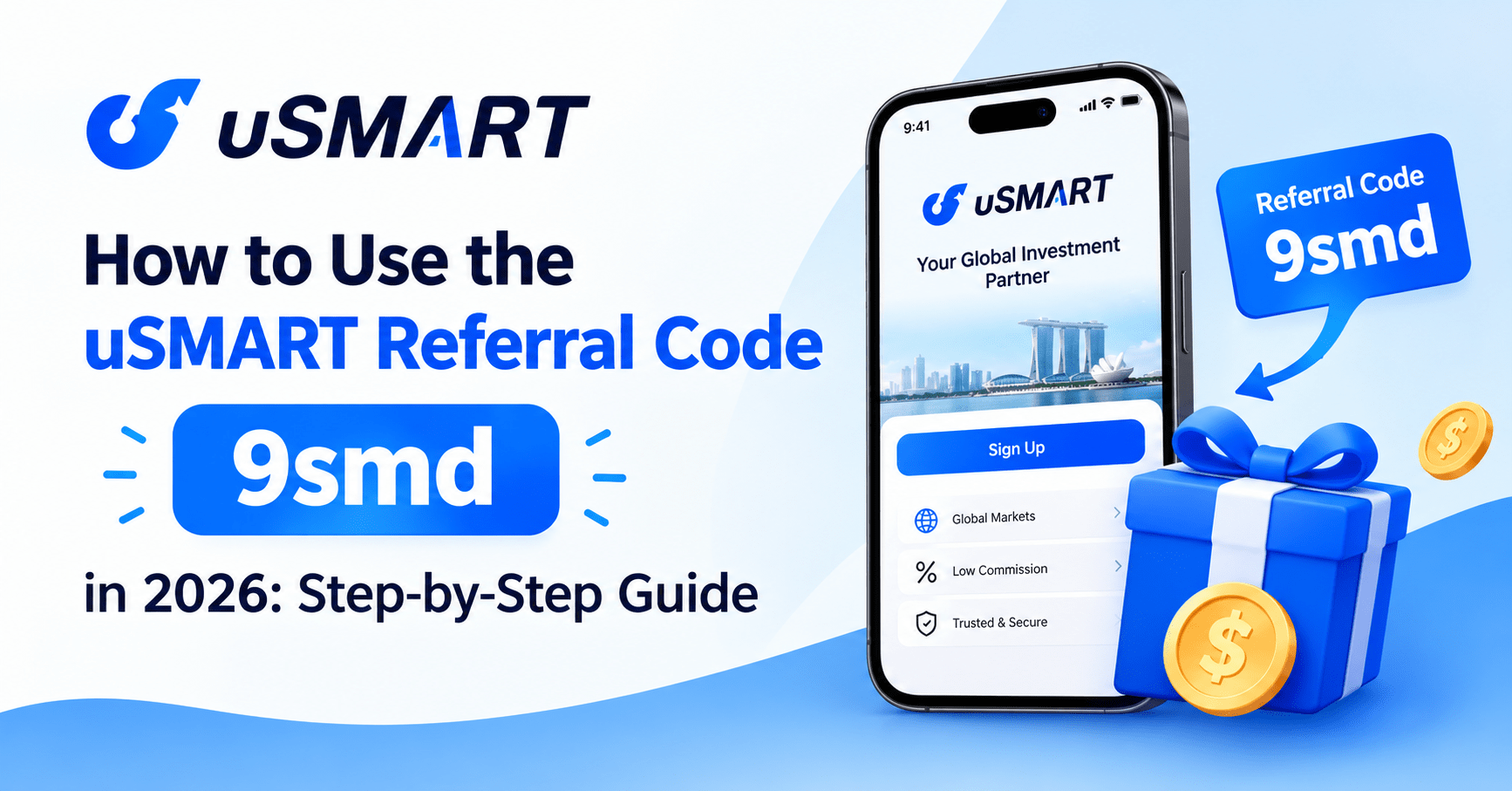
How to Use the uSMART Referral Code 9smd in 2026: Step-by-Step Guide
Table of Contents
A uSMART referral code is worth nothing if you enter it wrong, enter it late, or open the wrong account type by mistake.
I have watched too many people lose part of their welcome reward over something this small. They download the app, breeze through sign-up, and only remember the referral code field after they have already submitted their application — at which point it is too late. uSMART does not let you add a code retroactively.
The code itself is simple: 9smd. Using it correctly is where most people slip up.
This guide walks through the entire process, in order, from entering the code to redeeming your last voucher. I am covering every account type, every funding method, and every condition that determines whether you get the full USD 198 or a fraction of it.
Here is the complete, step-by-step process.
Why Most People Get the uSMART Referral Code Wrong
The most common mistake is entering the app store first and the referral code second. uSMART’s sign-up flow only accepts a code at the point of registration — during the account application itself, not after your account is live. If you open the app, start filling in your details, and only search for a code once you hit a “referral code” field, you have not done anything wrong yet. But if you skip that field, submit your application, and then try to add the code afterward, the reward is gone. Customer support cannot retroactively attach it.
The second common mistake is account type confusion. uSMART offers three account tiers — Trader, Standard, and Intel — and only two of them qualify for welcome rewards. Choosing Trader because it advertises the lowest commission fees is a reasonable instinct for an experienced trader, but it disqualifies you from this entire promotion.
The core principle to hold onto: the referral code only does its job if it is entered before account opening, and the account you open has to be an eligible type. Everything else in this guide builds on that one rule.
What You Need Before You Start
- The referral code: 9smd. Save it somewhere you will actually see it during sign-up — a notes app, a screenshot, or the DLCuration uSMART referral code page, which has the code pre-filled in the sign-up link.
- Singpass. uSMART SG account opening runs through Singpass MyInfo, which auto-fills your NRIC details, address, and employment information. Have your Singpass app ready on your phone.
- A funding method. eGIRO, PayNow, FAST transfer, or a bank transfer, depending on which account tier and reward level you are targeting.
- 10 to 15 minutes for the sign-up itself. Fund transfers and reward redemption happen on a separate timeline, covered further down.
- A clear decision on account type before you start — Standard or Intel, not Trader. More on the difference in Step 5.
The Full Process: Step by Step
Step 1 — Get the Referral Code Ready (1 minute)
Write down or copy the code 9smd before you open the app. If you are starting from the uSMART referral code page, the sign-up link already carries the code embedded in the URL, which removes this step entirely — the code auto-applies when you tap through.
What you end up with: a code you cannot forget to enter, because it is either memorized or already embedded in your link.
Step 2 — Open the Sign-Up Link or Download the App (2 minutes)
If you tap the link above on your phone, it opens directly into the uSMART SG app (or the App Store or Google Play listing if you do not have it installed yet) with the referral code already attached. If you would rather search for the app manually, download “uSMART SG” from the App Store or Google Play, open it, and look for a “Referral Code” or “Invitation Code” field during registration — this is where manual entry becomes necessary, and where people most often forget.
What you end up with: the app open and ready for registration, with the code either pre-applied or ready to paste in manually.
Step 3 — Enter the Referral Code During Registration (1 minute)
If you did not use the pre-filled link, this is the step that determines whether you get any reward at all. During account registration, look for the referral or invitation code field — it typically appears early in the sign-up flow, before identity verification. Type 9smd exactly as shown. Double-check it before moving to the next screen, because uSMART’s system does not allow edits or additions to this field once you proceed.
What you end up with: a registration in progress that is now linked to the uSMART Stackable Welcome Offer.
Step 4 — Verify Your Identity With Singpass (5 to 10 minutes)
Tap “Sign up with Singpass” and authenticate through the Singpass app on your phone. MyInfo pulls your NRIC number, name, address, and employment details automatically, which is what makes this step fast. You will still need to answer a short set of financial background and investment experience questions, which uSMART uses for regulatory suitability checks required by the Monetary Authority of Singapore. Most users complete this entire step in under 10 minutes.
What you end up with: a submitted account application, pending approval — typically approved within a few hours to one business day.
Step 5 — Choose Your Account Type (2 minutes)
This step decides whether you qualify for any reward at all.
uSMART SG offers three account tiers:
- Trader — the lowest commission fees, built for high-frequency traders who do not need research tools. Not eligible for the referral welcome offer.
- Standard — moderate commission fees, limited daily access to uSMART’s SMART features (technical screeners, daily stock picks, pattern insights), and eligible for the referral welcome offer. This is the account most new users should choose.
- Intel — the highest fees but unlimited access to SMART features, available as an upgrade once you maintain a minimum net asset value in your account (commonly cited around S$3,000, subject to change). Also eligible for the welcome offer.
Choose Standard unless you already know you want Intel’s unlimited research tools and are prepared to fund a higher account balance. You can upgrade from Standard to Intel later, but you cannot downgrade back once you move up a tier.
Fee structures differ meaningfully across the three tiers, and it is worth understanding the trade-off you are making, not just the eligibility rule:
| Account | Commission Fee (US Stocks) | SMART Features | Welcome Offer Eligible |
|---|---|---|---|
| Trader | Lowest of the three tiers | Not available | No |
| Standard | Slightly higher than Trader | Limited daily usage | Yes |
| Intel | Highest of the three tiers | Unlimited usage | Yes |
If cost is your only concern and you never plan to touch uSMART’s research tools, Trader looks appealing on paper — but it forfeits this entire promotion, so it is the wrong choice for anyone signing up specifically to claim the referral reward. Standard strikes the more sensible balance for most new users: reasonable fees, a real welcome offer, and enough access to the SMART features to see if you will use them before paying more for Intel.
What you end up with: an account type selection that keeps you inside the promotion’s eligibility rules, chosen with a clear view of the fee trade-off behind it.
Step 6 — Fund Your Account (5 minutes to set up; funds usually land within 1 to 2 business days)
uSMART supports several funding methods, and the one you choose affects how quickly your money — and your qualifying actions — actually register:
- eGIRO — a one-time setup with your bank that makes every future transfer near-instant. Supports several major Singapore banks. The fastest recurring option if you plan to fund more than once.
- PayNow — quick for a single transfer, no setup required.
- FAST transfer — standard bank transfer, typically same-day to next-day.
- Bank account transfer — works for SGD, USD, or HKD deposits, useful if you are transferring larger sums or funding in a specific currency.
Fund according to which reward tier you are targeting. A first deposit of any amount unlocks one of the USD 2 cash vouchers. Funding at least SGD$2700 (or USD$2000 equivalent) is what unlocks the USD 180 cash voucher package — the largest tier of this promotion.
What you end up with: cleared funds in your uSMART account, which is the trigger for most of the reward tiers.
Step 7 — Complete Your Qualifying Actions (varies by reward tier)
Each reward tier has a distinct trigger:
- Cash vouchers (up to USD 14): complete any combination of first deposit, a US stock option trade, a US fractional share trade, a SMART Order trade, an Intel account upgrade held for one month, a SMART Plan trade, or a trade in FX, gold, virtual assets, or US stock CFDs. Each qualifying action unlocks one USD 2 voucher, up to seven in total.
- Tesla share voucher (up to USD 4): unlocked simply by successfully opening a Standard or Intel account. No trade required.
- Cash voucher package (up to USD 180): requires opening a Standard or Intel account and funding at least SGD$2700 (or USD$2000 equivalent).
What you end up with: vouchers appearing in your Rewards Centre as each action is verified, usually within a few days of completing it.
Step 8 — Redeem Your Vouchers (2 minutes per voucher)
Open the uSMART SG app and go to Me → Rewards. Vouchers do not credit themselves automatically — you have to actively select and redeem each one before its stated validity period runs out. This matters most for the cash voucher package: if you do not manually select your vouchers, uSMART issues the lower-value default set instead of the full USD 180 combination.
Once redeemed, cash vouchers typically credit to your account within two working days, and the Tesla share voucher credits within five working days.
What you end up with: the actual cash and share value landing in your account, not just a pending notification.
The Full Time and Reward Breakdown
| Step | Task | Time Required | Reward Unlocked |
|---|---|---|---|
| 1–3 | Get code, open link, register | 3–5 minutes | Eligibility for the entire offer |
| 4 | Singpass verification | 5–10 minutes | N/A — required for approval |
| 5 | Choose Standard or Intel account | 2 minutes | Eligibility confirmed |
| 6 | Fund account | 5 minutes to set up | Triggers cash vouchers and package |
| 7 | Complete qualifying actions | Varies (same day to a few weeks) | Up to USD 194 in vouchers |
| 8 | Redeem in Rewards Centre | 2 minutes per voucher | Converts vouchers to real value |
Total hands-on time: roughly 20 to 30 minutes across the entire process, spread over the days it takes your funding and trades to settle.
What the Referral Code Cannot Do (And Should Not Be Expected To)
A referral code changes what you get for signing up. It does not change the product itself, and it is worth being honest about the limits.
The Tesla share voucher’s actual dollar value moves with Tesla’s live share price on the day you redeem it — “up to USD 4” is not a fixed guarantee. The cash voucher package requires a real SGD$2700 (or USD$2000 equivalent) deposit, which is a meaningful commitment, not a free unlock. And every voucher in this promotion expires after its stated validity window — unredeemed value simply disappears, with no extension or exception.
The code also will not help you if you already hold, or have ever held, any account with uSMART SG or another uSMART Group entity. This welcome offer is strictly for new customers, one claim per person, regardless of how many times you attempt to re-register.
Is uSMART Actually Regulated? What the Code Does Not Cover
A referral code has nothing to do with whether a brokerage is safe to use, so it is worth answering that question on its own. uSMART Securities (Singapore) Pte. Ltd. (UEN: 202110113K) holds a Capital Markets Services Licence issued by the Monetary Authority of Singapore, which covers dealing in capital markets products. That licence is the same regulatory category every legitimate Singapore brokerage needs to operate.
uSMART is a brokerage, not a bank. Client funds and securities holdings sit in segregated accounts with third-party custodians rather than being covered by the Singapore Deposit Insurance Corporation scheme, which only protects bank deposits. This distinction matters for how you think about the funds you deposit to unlock the SGD$2700 (or USD$2000 equivalent) reward tier — segregation protects your assets from uSMART’s own business risk, but investing still carries the ordinary risk of loss that comes with any capital markets product. None of this is financial advice, and the referral bonus should never be the deciding factor in whether a brokerage suits your actual investing needs.
Tips to Make Sure You Get the Full USD 198
Screenshot the code before you open the app. The single most common failure point is forgetting the code exists once you are mid-registration. Have it visible before you start, not something you search for halfway through.
Choose Standard, not Trader, unless you are certain. Trader’s lower fees are tempting, but they come at the cost of the entire welcome offer. If you are unsure, Standard is the safer default — you can always upgrade later.
Use eGIRO if you plan to fund more than once. The one-time setup cost is a few extra minutes; every transfer after that clears far faster than a manual bank transfer.
Actively select your vouchers — do not wait for uSMART to do it automatically. The cash voucher package specifically defaults to a lower-value set if you do not manually redeem in Me → Rewards.
Track validity periods. Set a reminder for each voucher’s expiry rather than relying on memory. An unredeemed voucher is money left on the table.
Do not close your account right after claiming rewards. uSMART reserves the right to claw back rewards from accounts that show signs of abuse, including opening and closing an account purely to farm the welcome offer.
What If You Already Have a uSMART Account?
If you already hold a uSMART account, this specific referral code offer is not available to you — welcome rewards are strictly for new customers, and codes cannot be backdated onto an existing account. Your best move is to check uSMART’s official promotions page directly for existing-customer campaigns, which run separately from new-account referral offers and change throughout the year.
If you have not opened an account yet and are comparing your options, it is worth checking whether a different broker’s current promotion better fits how you plan to invest — commission structure and platform tools matter more than a one-time bonus once you are actually trading.
Frequently Asked Questions
Is it safe to use a uSMART referral code, or does it affect my account somehow?
It is safe. A referral code only determines which welcome promotion your new account is linked to — it has no effect on your account’s security, fees, or trading permissions. uSMART Securities (Singapore) Pte. Ltd. is licensed by the Monetary Authority of Singapore, and the code itself is simply a tracking identifier for the sign-up bonus.
How do I make sure I do not lose out on any part of the USD 198?
Enter the code before you submit your registration, choose Standard or Intel (never Trader), complete at least one qualifying action for the cash vouchers, and fund at least SGD$2700 (or USD$2000 equivalent) if you want the full USD 180 package. Then actively redeem every voucher in Me → Rewards before it expires — this last step is where most of the missed value happens.
Which uSMART account should a beginner choose when using a referral code?
Standard. It qualifies for the full welcome offer, keeps commission fees reasonable, and gives you limited daily access to uSMART’s research tools without requiring a large account balance. Intel makes sense later if you find yourself using the research features constantly and are comfortable maintaining a higher balance.
How long does the entire sign-up and reward process take?
Registration itself takes about 10 to 15 minutes, mostly Singpass verification. Account approval usually lands within a few hours to one business day. After that, unlocking and redeeming every reward tier depends on how quickly you fund and trade — some users claim the cash vouchers within a day, while the full SGD$2700 (or USD$2000 equivalent) tier obviously takes longer if you are funding gradually.
Do I need to double-check the referral code before I submit my application?
Yes. uSMART does not allow you to add or correct a referral code after your account has been opened, and there is no appeals process for a missed code. Check the field shows 9smd before you tap submit — it is the one step in this entire process that cannot be undone.
What happens if I already had an old uSMART account years ago and closed it?
You still will not qualify. uSMART’s welcome offer defines a new customer as someone who has never held an account with uSMART SG or any other uSMART Group entity, past or present. A previously closed account still counts as a prior relationship.
Final Thoughts
The uSMART referral code 9smd is not complicated to use — it just has one point of no return. Enter it before you register, pick an eligible account type, and actively redeem what you earn instead of assuming it lands automatically.
Do that, and the process from download to fully redeemed rewards takes less than half an hour of actual effort, spread across however long your funding and trading take to settle. Skip any one of those steps, and you are working with a smaller reward than the USD 198 headline promises.
For the full breakdown of every reward tier, eligibility rule, and the official terms and conditions, see the complete uSMART referral code 9smd guide.
Used the code already? Let me know in the comments which reward tier you are going for.
Continue reading: