
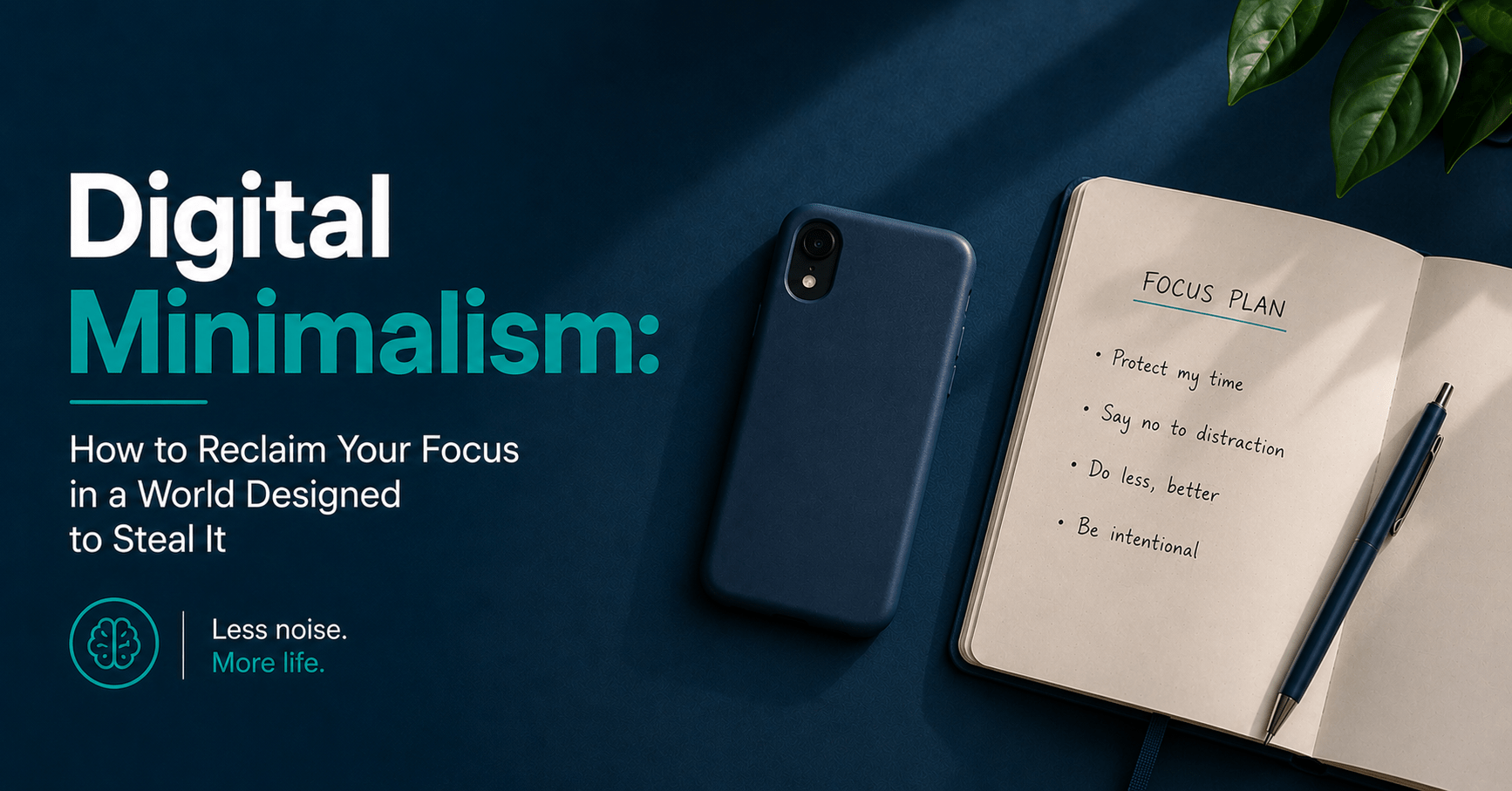
Digital Minimalism: How to Reclaim Your Focus in a World Designed to Steal It
Table of Contents
In 2004, Gloria Mark’s research team at UC Irvine found that the average person spent 2.5 minutes on a single screen before switching to something else. By 2012, that figure had dropped to 75 seconds. By 2020, it was 47 seconds. By 2025, her team measured it at 40 seconds.
That’s not a generational attention deficit. It’s the measurable result of two decades of technology designed — with considerable engineering effort and billions in investment — to capture and redirect your attention as frequently as possible.
The average knowledge worker now receives approximately 275 digital interruptions per day, according to Microsoft’s 2025 Work Trend Index. Each interruption to a focused task costs an average of 23 minutes to fully recover from. The arithmetic is brutal: even a fraction of those interruptions landing during focused work sessions means most knowledge workers never reach the depth of concentration required for their best output.
Digital minimalism is the deliberate response to this environment. Not quitting technology — using it on your own terms.
Why Most Approaches to Digital Distraction Don’t Work
The standard advice is willpower-based: put your phone across the room, check email less, set a screen time limit. These work temporarily and collapse under pressure for the same reason every willpower-based system eventually fails — they require you to continuously resist an environment that has been optimized by engineers whose entire job is to make resistance harder.
App time limits get dismissed with one tap. Notification settings get re-enabled when something feels urgent. The phone goes back on the desk because it’s inconvenient not to have it there. The pattern reasserts itself within days.
The second failure mode is the all-or-nothing approach: a complete digital detox, a 30-day social media ban, deleting every non-essential app. These work as resets — they’re genuinely valuable for breaking the reflexive checking habit. They don’t work as permanent solutions because the tools being eliminated are, in many cases, genuinely useful. The goal of digital minimalism is not to use less technology. It’s to use the right technology, with intention, in contexts you’ve chosen.
The core principle this system is built on: the environment produces the behavior — redesign the environment, not your willpower.
Every change in this guide works by restructuring your digital environment so that the default path is the one you actually want to take. You’re not fighting the system. You’re replacing it with one that works for you.
The Tools You Need
Freedom ($3.33/month or $29.99/year) — a cross-device website and app blocker that operates at the network level. Unlike browser extensions, Freedom blocks sites even in private browsing and across all apps. The most effective digital distraction tool available. Not free, but it’s the only tool in this list where paying removes the most significant failure point — the ability to override the block with one click.
Forest ($3.99 one-time on iOS, free on Android) — plants a virtual tree during focus sessions that dies if you leave the app. Best for phone-specific distraction during desk work. Pairs with Freedom for complete coverage.
Your phone’s built-in settings — Screen Time (iOS) or Digital Wellbeing (Android). Free, already installed, sufficient for notification management and app limits. Less reliable than Freedom for blocking because limits are dismissible, but covers the basics without cost.
A physical space rule — not an app. Where the phone lives when you’re working, eating, or in conversation. The most effective digital minimalism intervention has no download link.
Total cost: $0 (phone settings + physical rules) to $3.33/month (Freedom for maximum reliability).
The Full System: Step by Step
Step 1 — Conduct a Digital Audit (20 minutes, one-time)
Before removing or restricting anything, get an honest picture of where your attention is currently going. You cannot redesign an environment you haven’t accurately mapped.
Open your screen time data. On iPhone: Settings → Screen Time. On Android: Settings → Digital Wellbeing. Look at the past seven days.
For each app in your top 10 by time, answer three questions:
Does this app serve a function I’ve consciously chosen? Email, messaging with people you care about, tools required for work — these are chosen uses. Reflexive news checking, social media scrolling, endless video consumption — these are typically not chosen, they’re defaults.
Does the time I spend here reflect the value I get from it? An hour a week on a genuinely useful app is fine. Two hours a day on an app that consistently leaves you feeling worse than before you opened it is a different matter.
Am I using this app or is this app using me? The distinction is whether you open it with a purpose and close it when the purpose is complete, or whether you open it reflexively and lose track of time.
Mark any app where your honest answer is unfavorable on two or more questions. These are the candidates for restriction or removal in the next step.
What you end up with: A clear, data-backed picture of where your attention actually goes — not where you think it goes. Most people are surprised by the gap between the two.
Time saved vs manual: Acting on digital distraction without this audit means guessing at the source. The audit takes 20 minutes and ensures every subsequent change targets the actual problem rather than the assumed one.
Step 2 — Restructure Notifications (15 minutes, one-time)
Notifications are the primary mechanism by which apps redirect your attention without your permission. This step eliminates most of them in a single session.
The operating principle: notifications should be opt-in, not opt-out. Every app defaults to full notification access. Almost none of them have earned it.
Go through your notification settings for every app and apply the following filter: does this notification require my attention right now, in real time, regardless of what I’m doing? For almost every app, the honest answer is no.
Turn off all notifications except:
- Direct messages from real people you have genuine relationships with (not group chats, not promotional messages)
- Calendar alerts for things happening in the next 24 hours
- Genuinely time-sensitive work communications — and only from channels where time-sensitivity is real, not assumed
Turn off entirely:
- All social media notifications — likes, comments, new followers, trending content
- News and media app notifications
- Shopping, delivery, and promotional notifications (check these on your schedule, not theirs)
- App activity notifications — streaks, reminders to “check in,” weekly summaries
On iOS, enable Focus modes for work hours. On Android, use scheduled Do Not Disturb. Both allow calls from specific contacts to come through while blocking everything else during defined windows.
What you end up with: A phone that alerts you to things that require real-time attention and stays silent for everything else — instead of a device that interrupts you 275 times a day.
Time saved vs manual: Gloria Mark’s research shows it takes an average of 23 minutes to fully regain deep focus after an interruption. Eliminating 20 unnecessary notifications per day doesn’t save 20 interruptions — it saves 20 × 23 minutes of recovery time. The compound math is significant.
Step 3 — Redesign Your Phone’s Home Screen (10 minutes, one-time)
The phone home screen is the most powerful environmental design lever most people never touch. What’s visible on the home screen determines what you open reflexively. This step restructures it so the defaults are the apps you’ve chosen rather than the apps that want your attention.
Remove from the home screen:
- All social media apps — move to a folder on the second or third page, or delete the apps entirely and use the browser version (which is deliberately less convenient)
- News apps
- Any entertainment app you open reflexively rather than intentionally — video, music discovery, podcast recommendations
Keep on the home screen:
- Communication tools you use with purpose: messages, phone, email
- Tools required for work or navigation: calendar, maps, task manager
- Apps you want to use more of: reading apps, language learning, anything representing a positive default
Add friction to apps you use too much: Moving an app off the home screen reduces its usage significantly, even without deleting it. The extra two taps and the interruption of having to search for it are enough friction to convert reflexive opens into conscious ones.
Consider a minimalist home screen: A single page with six to eight apps and a plain background has measurably lower distraction pull than a screen packed with colorful icons and badges. The visual noise of app icons competes for attention even when you’re not consciously engaging with them.
What you end up with: A home screen where the default action — the first thing your thumb reaches for — is a tool you’ve chosen rather than an app optimized to capture your attention.
Time saved vs manual: The average person picks up their phone 58 times per day. If even half of those pickups are redirected from reflexive social media opens to intentional use, the attention savings per day are substantial.
Step 4 — Establish Physical Location Rules for Your Phone (5 minutes, one-time decision)
This is the highest-impact change in the entire system and the one that costs nothing. A 2023 University of Texas study found that the mere presence of a smartphone — even face-down, even switched off — reduces available cognitive capacity. The phone doesn’t need to buzz. It just needs to exist nearby.
Define three location rules before tonight. Write them down.
During focused work: Phone in another room, or at minimum face-down with all notifications silenced and not within arm’s reach. Not on the desk. Not in a pocket. In another room.
During meals: Phone in another room or in a bag. Not on the table. The research on conversation quality and meal experience with phones present is consistent and significant.
During sleep: Phone charging in another room. An alarm clock costs $8–$15 and removes the only legitimate reason to have a phone in the bedroom. If the phone is in the bedroom, the first thing you reach for in the morning is the phone — before intention, before direction, before any thought about what the day should contain.
These aren’t app settings. They’re physical decisions that restructure the environment so the phone is not the default object in your hand.
What you end up with: A working environment, eating environment, and sleeping environment where your phone is not a passive presence competing for your attention — the single most effective digital minimalism change available.
Time saved vs manual: The cognitive capacity restored by removing the phone from your immediate environment during focused work is not recoverable through willpower alone. The University of Texas research found measurable reductions in working memory and fluid intelligence simply from the phone’s visible presence, regardless of whether it was used.
Step 5 — Create Intentional On-Ramps for Digital Use (10 minutes, one-time design)
Digital minimalism is not about removing technology. It’s about replacing reflexive use with intentional use. This step creates the on-ramps — the specific conditions under which you engage with the apps and platforms you’ve chosen to keep.
Schedule social media checks. Instead of checking whenever the impulse arrives, define two or three times per day when you check intentionally. 12PM, 6PM, and 9PM — or whatever windows fit your life. Outside those windows, the app is simply not a factor. This converts an all-day passive presence into a defined, contained activity.
Define your news intake. One session per day, from one or two sources you’ve chosen. Not a live feed, not a notification-driven alert, not headlines that refresh every 15 minutes. A reading session with a defined end point.
Create a “read later” habit. When something interesting appears during a focused period — an article, a video, a thread worth reading — save it to a read-later app like Pocket (free) or Instapaper (free). Read it during your intentional consumption window. This breaks the in-the-moment rabbit hole while ensuring you don’t lose things worth reading.
Set a hard stop time for all screens. Sixty to ninety minutes before you want to sleep, all screens off. Not on the other side of the room — off. Blue light disruption to sleep is well-documented, and the cognitive stimulation of social media and news immediately before sleep measurably affects both sleep quality and the quality of the next morning’s focus.
What you end up with: A digital life where engagement is intentional and time-bounded rather than ambient and open-ended — where you choose when to engage with each platform rather than being available to it constantly.
Time saved vs manual: Scheduled consumption windows typically reveal that the content consumed is virtually identical to what would have been consumed through reflexive checking — but in a fraction of the time, because you’re not also doing five other things and getting interrupted repeatedly.
The Full Time Breakdown
| Step | Task | Old pattern | This system |
|---|---|---|---|
| 1 | Digital audit | Never done — blind to actual usage | 20 mins one-time — clear picture of where attention goes |
| 2 | Notification redesign | Default settings — 275 interruptions/day | 15 mins one-time — interruptions reduced to essential only |
| 3 | Home screen redesign | Default layout — most-used apps front and centre | 10 mins one-time — default actions are chosen, not engineered |
| 4 | Phone location rules | Phone on desk, in bedroom, at table — always present | 5-min decision — phone physically absent during focus, meals, sleep |
| 5 | Intentional use windows | Open whenever, for as long as the algorithm suggests | Defined windows — engagement by choice, not by reflex |
| Total setup | No setup — full algorithmic default | ~60 mins one-time, ongoing compounding benefit |
What Digital Minimalism Cannot Do
It cannot fix a structurally demanding job. If your role genuinely requires you to be available across multiple communication channels throughout the day — client-facing work, on-call roles, team leadership — digital minimalism needs to be adapted to your constraints rather than applied wholesale. The goal is reducing unnecessary interruptions, not eliminating professional responsiveness.
It cannot address the underlying drivers of reflexive phone use. Phones are often used as an avoidance mechanism — when a task is difficult, boring, or anxiety-inducing, the phone is the escape. Restructuring the environment reduces the friction of avoidance, but it doesn’t address the procrastination or anxiety underneath it. That’s a different problem requiring a different approach.
It cannot recover attention span in days. The research on attention restoration after sustained digital minimalism practice suggests improvements become measurable after two to four weeks of consistent environmental change. The first week typically involves a period of heightened restlessness — the reflex to check fires, finds nothing to check, and has to be redirected. This passes. It is not a sign the approach isn’t working.
It cannot work through willpower at the app level. Screen time limits that can be dismissed with one tap will be dismissed. Social media apps on the home screen will be opened reflexively. The system only works when the environmental changes are structural — physical rules, app removals, network-level blockers — not when they depend on in-the-moment self-regulation.
Tips to Get Better Results
Start with Step 4 (phone location rules) if you only do one thing. It’s free, takes five minutes, and produces the most immediate and measurable change in cognitive availability. The other steps amplify it, but Step 4 alone changes the baseline.
Delete social media apps and use the browser versions. Browser versions of social media platforms are deliberately less functional and less engaging than the native apps. The friction of logging in through a browser is often sufficient to convert reflexive opens into conscious decisions. This is not a permanent recommendation — it’s a two-week experiment worth running.
Use grayscale mode during periods requiring focus. Color is a significant part of what makes apps visually compelling. Switching your phone display to grayscale (available in accessibility settings on both iOS and Android) reduces the attention-capturing power of apps without removing their functionality. Several studies have found meaningful reductions in screen time from grayscale mode alone.
Replace, don’t just remove. The impulse behind reflexive phone use — boredom, social connection, curiosity, stimulation — doesn’t disappear when the phone is removed. It redirects. Have a replacement available: a book within reach during downtime, a brief walk as the transition between tasks, a physical notebook for ideas that arrive during focused work. Digital minimalism works best when paired with an analog alternative, not with an empty space.
Audit again at 30 days. Run the screen time audit from Step 1 again after 30 days of the system. The data will tell you what’s actually changed, which changes held, and which behaviors reasserted themselves. Adjust from data, not from guesswork.
Don’t announce it. Telling people you’re “doing digital minimalism” creates a social performance dynamic that often backfires — you’re more focused on being seen to do it than on making the changes that actually matter. Change the environment quietly. Let the results speak.
The Budget Version of This System
The most impactful elements of this system cost nothing.
Free: Phone location rules (phone in another room during focus, meals, sleep). These require no app, no purchase, no setup beyond a decision.
Free: Notification audit using built-in iOS or Android settings. Takes 15 minutes. Cuts most unnecessary interruptions immediately.
Free: Home screen redesign. Moving apps off the home screen costs nothing and reduces reflexive use measurably.
Free: Pocket or Instapaper for read-later capture of interesting content found during focused periods.
The only paid tool in this system is Freedom — → Try Freedom at $29.99/year — which is worth it specifically if notification and home screen changes aren’t sufficient to break the reflexive checking pattern. Freedom operates at the network level and removes the override option entirely, which is the one failure point the free tools leave open.
For phone-specific focus during desk work, → Get Forest at $3.99 one-time on iOS adds a gamification layer that makes leaving the phone down feel more costly. Optional, but effective for people whose primary distraction is the phone rather than browser-based content.
Frequently Asked Questions
What is digital minimalism?
Digital minimalism is a philosophy of technology use developed by computer science professor and author Cal Newport, who defines it as operating a curated set of optimized tools that strongly support the things you value, and then happily missing out on everything else. In practice, it means auditing which digital tools and platforms you use, keeping those that serve clear purposes on your own terms, and removing or restricting those that capture your attention without equivalent return. It’s not anti-technology — it’s intentional technology use.
How long does it take to see results from digital minimalism?
Attention improvements from reduced digital interruptions are typically measurable within two to four weeks of consistent environmental changes. The first week often involves heightened restlessness — the checking reflex fires without an outlet. This passes as the nervous system adjusts to a lower baseline stimulation level. Sleep improvements from eliminating pre-bed screen time are often noticeable within the first week. Focus improvements during work sessions typically emerge in weeks two to three as the default behavior shifts from reactive to intentional.
Do I have to delete social media to practice digital minimalism?
No. The goal is intentional use on your own terms — not elimination. Many people practice digital minimalism while keeping social media, with two changes: removing the apps from their phone (using browser versions instead) and restricting access to defined daily windows rather than allowing ambient all-day availability. The research on the harm of social media is primarily associated with passive scrolling and reflexive checking, not with deliberate, time-bounded engagement.
Why does my phone distract me even when I’m not using it?
A 2023 University of Texas study found that the mere presence of a smartphone reduces available cognitive capacity — working memory, fluid intelligence, and the ability to sustain focused attention — even when the phone is face-down and switched to silent. The researchers called this effect “brain drain.” The mechanism appears to be the automatic and habitual attention given to the phone even when trying to ignore it — the cognitive effort of not checking drains the same resources that focused work requires. The solution is physical separation, not silent mode.
What is the difference between a digital detox and digital minimalism?
A digital detox is a temporary removal of technology — a week, a weekend, a 30-day break. It’s effective as a reset and for breaking reflexive habits. Digital minimalism is a permanent restructuring of your relationship with technology — deciding which tools serve you, on what terms, and designing your environment accordingly. A detox is useful preparation for digital minimalism: it breaks the habit loop and creates space to make decisions about what to invite back and under what conditions.
How do I handle digital minimalism when my job requires constant connectivity?
The goal shifts from eliminating interruptions to managing them deliberately. Schedule defined response windows for communication channels — checking email and messages at 9AM, 1PM, and 4PM rather than continuously — and communicate those windows clearly to colleagues. Use status indicators in tools like Slack to signal focus periods. Apply the phone location rules during in-person work and meetings regardless of general availability requirements. Even in highly connected roles, most interruptions are not genuinely time-sensitive; the urgency is manufactured by availability, not by the actual nature of the work.
Final Thoughts
The attention environment most people operate in was not designed with their focus in mind. It was designed with advertising revenue in mind. The notifications, the infinite scrolls, the red badges, the personalized feeds — all of it optimized to capture and hold attention for as long as possible, because attention is the product being sold.
Digital minimalism is simply the decision to opt out of that arrangement and replace it with one where you decide which technology earns your time and under what conditions.
The system in this guide:
- Digital audit — 20 minutes to see where your attention actually goes
- Notification redesign — 15 minutes to eliminate the 275 daily interruptions down to the few that matter
- Home screen redesign — 10 minutes to make the default action the intentional one
- Phone location rules — a five-minute decision that produces the most immediate cognitive benefit
- Intentional use windows — a framework that converts ambient availability into defined, time-bounded engagement
The total setup takes about an hour. The compounding benefit runs for as long as the environment holds.
Start with Step 4 tonight. Phone charging in another room. Alarm clock on the bedside table. One change, no cost, immediate effect.
→ Try Freedom for network-level blocking
→ Get Forest for phone focus sessions
Real-life DLC for your daily living.
Have you tried digital minimalism? Drop the one change that made the biggest difference in the comments — especially if it was something simpler than expected.
Continue reading: